Spotify users often look for a Spotify receipt to track subscription payments, review listening habits, or recreate a Spotify Wrapped receipt‑style summary of their most played songs. In this guide, you'll learn how to get Spotify receipts, what a Spotify receipt actually contains, and how people create receipt‑style Spotify stats for sharing or record‑keeping. For more information on managing digital receipts, check out our guide on receipt intelligence and receipt automation.
What Is a Spotify Receipt?
A Spotify receipt is a digital record of your Spotify subscription payment. It shows details such as:
- Subscription plan
- Billing date
- Amount paid
- Payment method
- Account email
Many users also refer to a "receipt Spotify" page when they mean a visual summary of their listening stats, similar to Spotify Wrapped. Learn more about receipt fields and how to understand different receipt formats.
Important:
Spotify does not provide an official "Spotify receipt maker" for music stats—those are user‑generated visuals, not payment receipts. For help with receipt management and tax compliance, explore our receipt organizer or tax and compliance guide.
How to Get Spotify Receipts (Official Method)
If you're looking for how to get Spotify receipts for billing or accounting, follow these steps:
✅ Get Your Official Spotify Payment Receipt
- Log in to your Spotify account
- Go to Account → Payments
- Select a billing date
- Download or view your Spotify receipts
These are your official Spotify receipts and are valid for expense tracking or personal records. For automated receipt processing, explore our AI receipt scanning solutions or learn about receipt OCR technology.
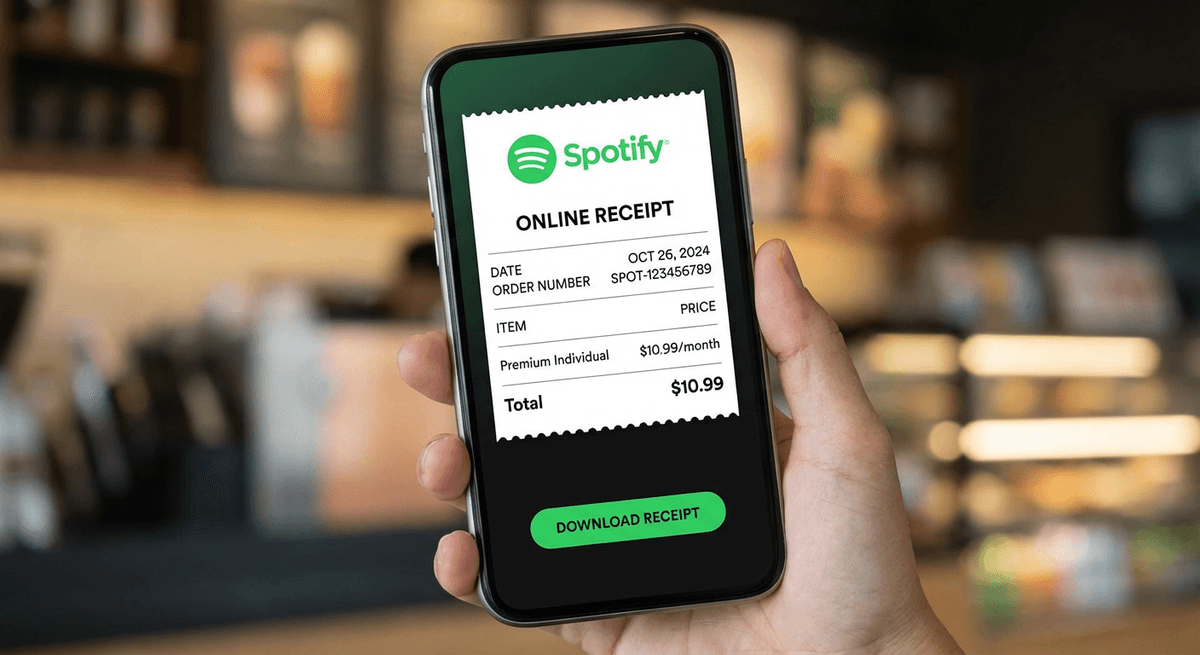
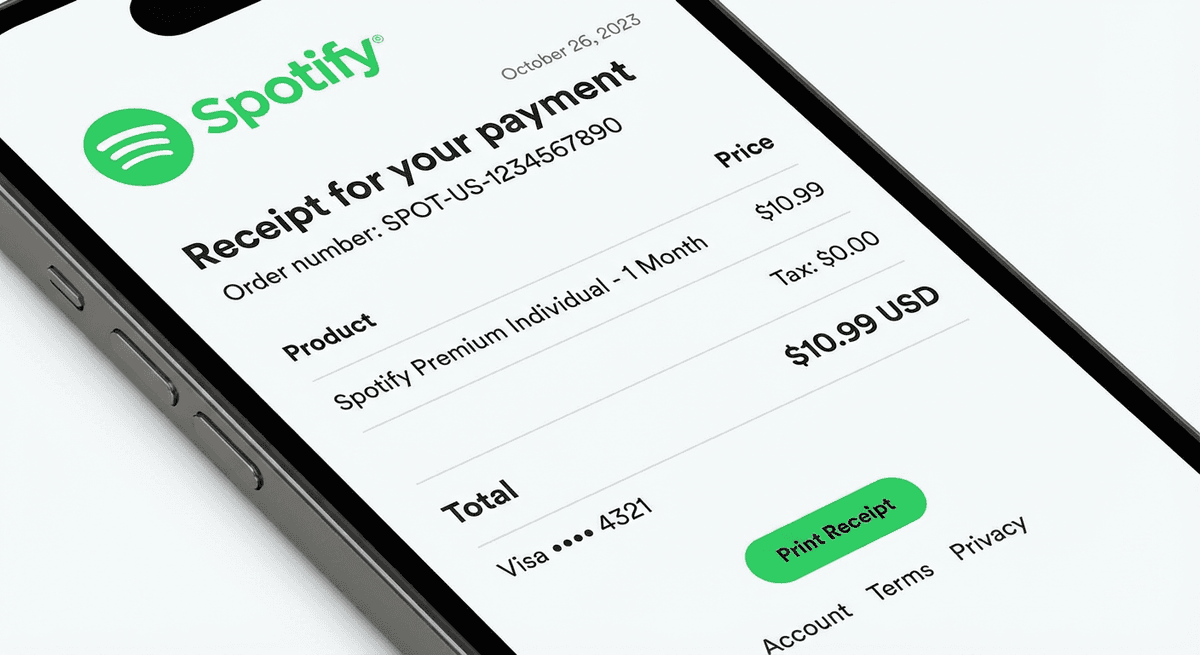
Examples of Spotify Premium receipt formats showing subscription payment details
My Spotify Receipt: Where to Find It
When people search for "my Spotify receipt", they usually want one of two things:
- ✅ Subscription payment receipt (official)
- ✅ Listening stats summary (visual, shareable)
Spotify only provides the first option officially. The second is created using third‑party tools or Spotify's Wrapped feature. For managing multiple subscription receipts, see our guides on Google Ads receipts and Microsoft receipts.
Spotify Receipt Generator & Spotify Receipt Maker (Explained Safely)
Searches like "Spotify receipt generator" or "Spotify receipt maker" are extremely popular—but important to clarify:
- These tools do not create real Spotify payment receipts
- They generate receipt‑style images showing:
- Most played songs
- Top artists
- Listening time
- Used mainly for social sharing, not accounting
✅ Safe use:
entertainment, personalization, social media
🚫 Not valid for:
payments, refunds, or audits
Spotify Stats Receipt: Most Played Songs
A Spotify stats receipt usually includes:
- Top tracks
- Most played songs
- Favorite artists
- Total minutes listened
Many users specifically search for:
- Spotify receipt most played songs
- Spotify wrapped receipt
These are inspired by Spotify Wrapped, which Spotify releases annually as an official listening summary.
Spotify Wrapped Receipt: What It Really Is
A Spotify Wrapped receipt isn't a real receipt—it's a visual listening summary. Wrapped shows:
- Top songs
- Top genres
- Listening personality
- Shareable graphics
Some users recreate this look using third‑party tools that mimic a receipt format.
Spotify Receipts: Payment vs Stats (Quick Comparison)
| Type | Purpose | Official |
|---|---|---|
| Spotify payment receipt | Billing & subscription | ✅ Yes |
| Spotify stats receipt | Listening insights | ❌ No |
| Spotify wrapped receipt | Yearly music summary | ✅ Yes (Wrapped) |
| Receipt‑style generator | Visual / fun | ❌ No |
Final Thoughts
If you need Spotify receipts for payments, always download them directly from your Spotify account. If you're interested in a Spotify stats receipt or Spotify Wrapped receipt‑style summary, those are creative visuals meant for sharing—not financial records.
Understanding the difference helps you use the right Spotify receipt for the right purpose. For more help with receipt management, explore our audit-ready receipts guide or learn about automatic expense categorization.
✅ Pro tip:
If you manage multiple digital subscriptions, storing official receipts in one place makes expense tracking much easier. Use our receipt to Excel tools or check out tax and compliance requirements for proper record keeping.